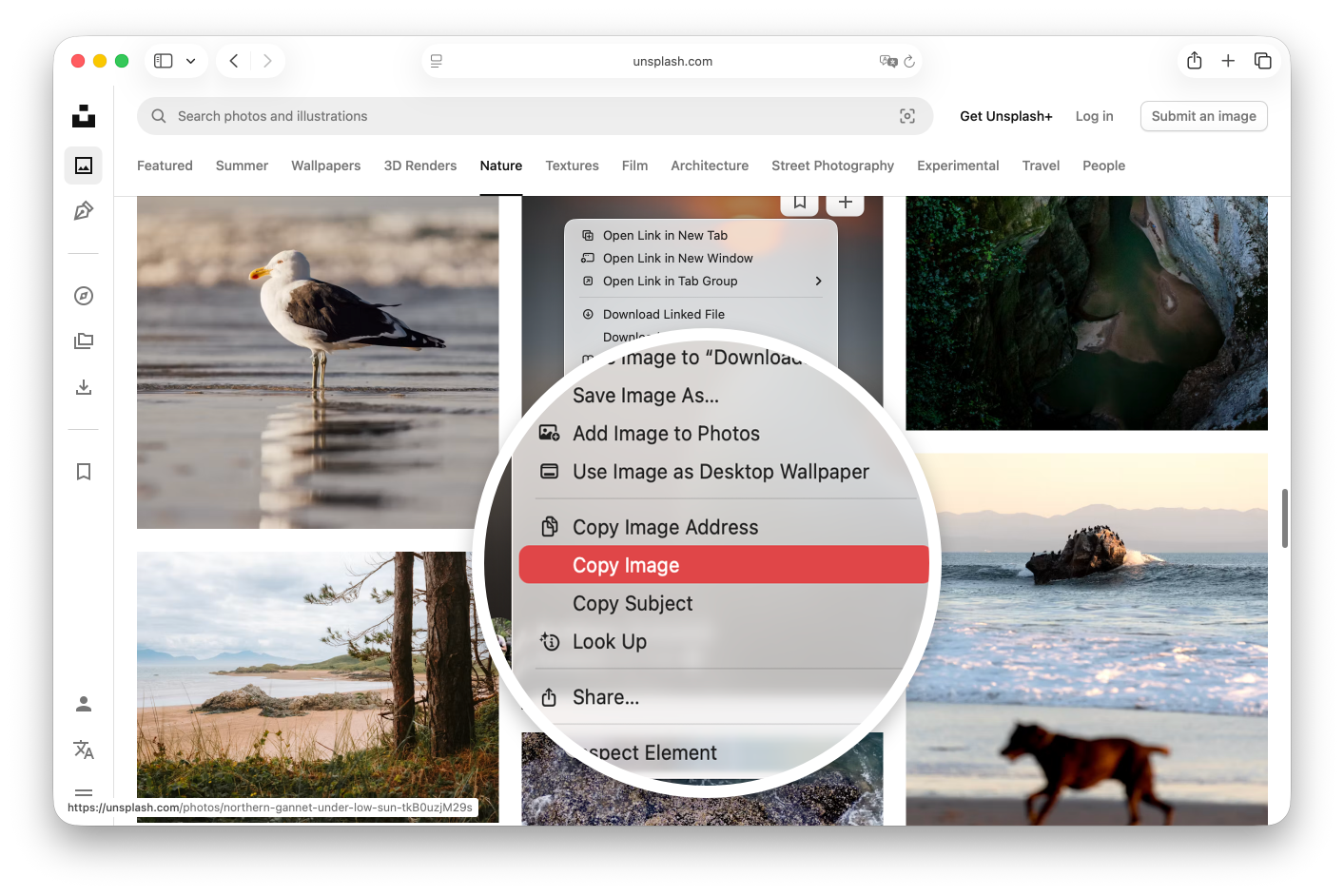
If you’ve ever right-clicked an image in Safari or Chrome, clicked
Copy Image, and tried to paste it into a Mac folder, you’ve hit a frustrating wall:
nothing happens.
macOS natively treats copied web images as raw pixel data meant for documents or image editors, not as files you can save directly in Finder. To save an image, Apple expects you to drag files across clutter-filled desktops or fill your Downloads folder with temp files you have to move manually.